400+ 5 Star Reviews SureFit™ Protection Australia-wide delivery

Wide windows, one system

Linked Roller Blinds for Wide Windows and Doors

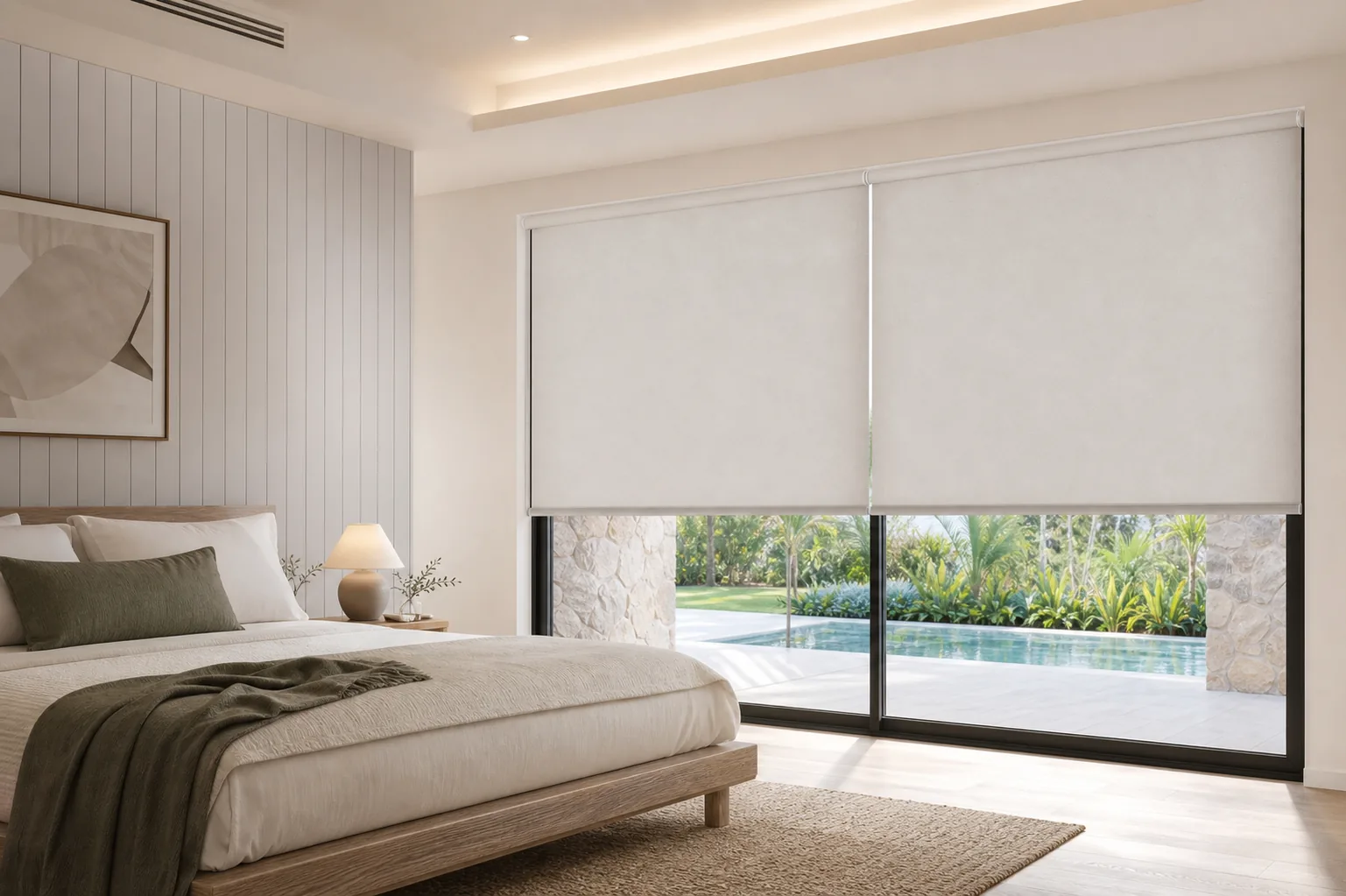
Linked roller blinds join two or three blinds with shared brackets that keep the gap between them to a minimum, covering sliding doors and wide windows with coordinated controls. Configurations include LL, RR, LR, LRR and LLR, depending on your layout.

400+ 5 Star Reviews
Linked Roller Blinds for Wide Windows and Doors
Factory-directonline pricing
SureFit™measurement protection
Made to measurewith better components
Australia-widedirect delivery

Why choose linked blinds

One coordinated system for wide openings

A wide window or a run of sliding doors often needs more than one blind. Linked brackets keep the join between them narrow and let you plan the control arrangement as one considered opening rather than several separate blinds.

01

Minimal-gap shared brackets

Linked roller blinds use shared brackets between neighbouring blinds, reducing the gap you'd otherwise see between two or three separately mounted blinds.

02

Configurations to match your window

Choose from configurations such as LL, RR, LR, LRR or LLR, read from left to right as you face the blind from inside the room.

03

Coordinated controls

Plan chain, cordless or motorised control across the linked run so the blinds can be operated as one coordinated set, or independently where your opening needs it.

Where to go next

Plan the whole opening

Linked blinds are usually chosen for a specific kind of opening. These pages cover the situations linked brackets are built for.

Blinds for Large Windows
Best for wide windows

Blinds for Large Windows

See the practical considerations for fitting and operating blinds across a wide window, whether as one large blind or a linked run.

See large window blinds →
Blinds for Sliding Doors
Best for sliding doors

Blinds for Sliding Doors

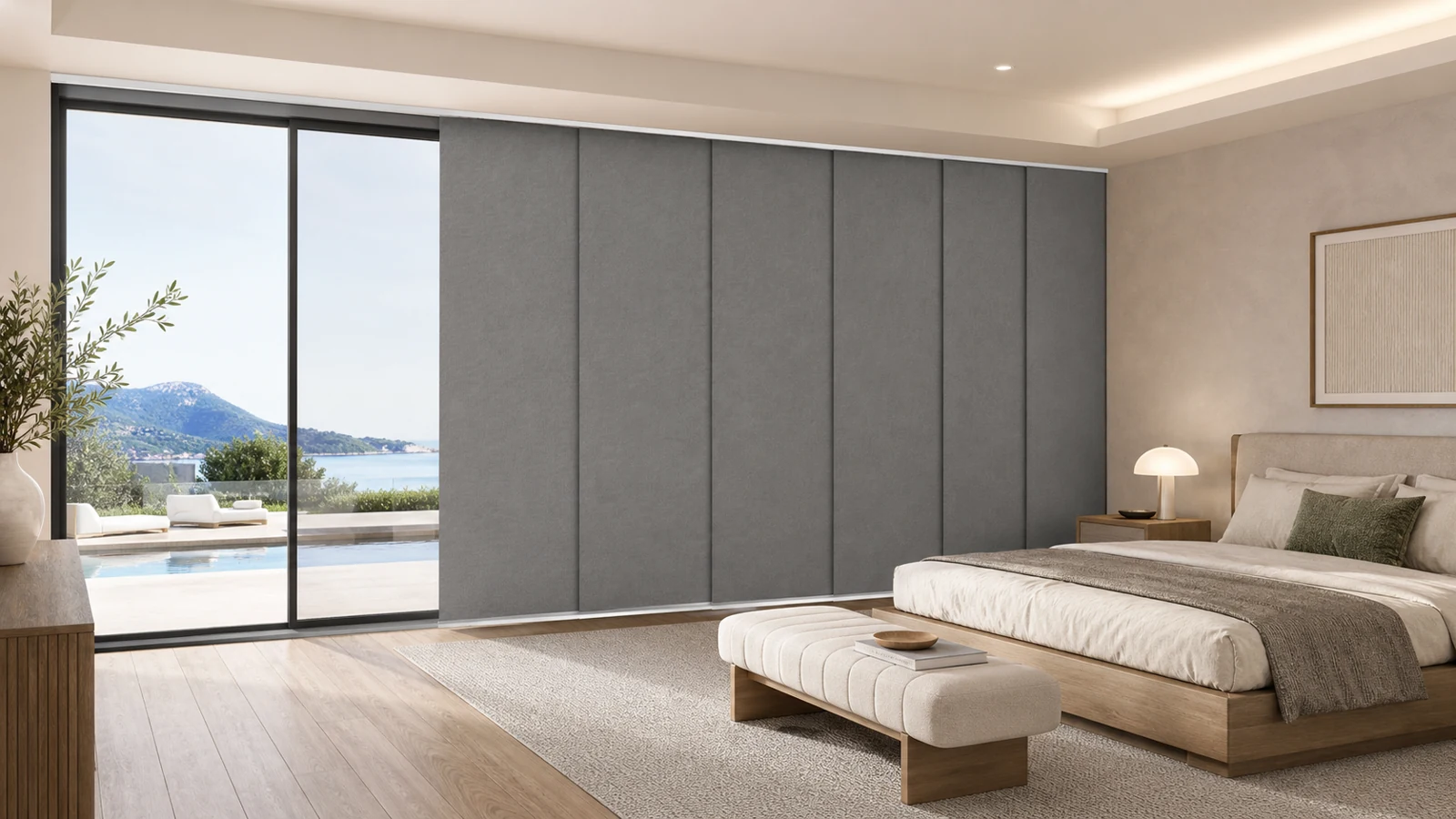
Cover a run of sliding doors with linked blinds, so each section can be raised, lowered or drawn aside independently.

See sliding door blinds →
Motorised Roller Blinds
Remote and app control

Motorised Roller Blinds

Motorise a linked run so the whole opening can move together from a remote or app, and check which motor supports the width you need.

Compare motorised control →

Product details

Plan the configuration and controls

A linked run is planned as one arrangement, from the configuration and control side through to the fabric and finish for each blind.

01

Two-blind configurations

For two linked blinds, the diagram reads left to right as you face the blind from inside the room; L and R show the arrangement.

02

Three-blind configurations

For three linked blinds, choose the layout that matches your window, such as LRR or LLR, then enter the extra widths shown in the configurator.

03

Sliding doors and wide walls

Plan which sections need to open independently, keep the same configuration when you measure, and note where each blind meets the next.

04

Every fabric and control

Linked blinds are available in blockout, SunScreen and light filter fabric, with chain, cordless or motorised control across the run.

Factory-direct value

Better specified without the showroom mark-up.

Made in Australia, sold online and delivered directly to homes nationwide.

Save up to $2,200

Roller Blind Spend & Save

Category savings apply automatically at eligible roller-blind subtotals, with no coupon code required.

See every tier →
Comparable price beaten

Price Beat Guarantee

Find a lower final delivered price from an eligible Australian competitor on a like-for-like product and we’ll beat it.

$45 per order

Australia-wide shipping

One flat delivery fee for blinds, curtains and pelmets—not per item. Regional and oversized exceptions may apply.

Before you order

Measure first. Then build with confidence.

The measuring guide walks you through widths, drops and fit step by step. If a window has an obstruction or an odd shape, ask us before you order.

How to measure

Fitting it yourself

The installation guide shows the brackets, fixings and each step in order, so you know what the job involves before you start.

Installation guide →

Compare in your own light

Screen colours and photos are a guide. Free samples show the real colour and texture next to your walls and floor.

Order free samples →

Common questions

Linked Roller Blinds: your questions answered.

How many linked roller blinds can I order together?+

Linked configurations cover two or three blinds, such as LL, RR, LR, LRR or LLR. The available layouts depend on the control system you choose, so check what’s offered for your configuration before finalising the order.

Can I motorise linked roller blinds?+

Yes, with the right motor for the run. A hardwired motor supports up to three linked blinds with a combined width of six metres. A single battery motor can’t drive several linked blinds—each one needs its own independent battery motor.

How do I read a linked blind configuration like LLR?+

The letters are read left to right as you face the blind from inside the room, and each one shows the control side for that section. Check the diagram for your chosen configuration before entering your measurements.

Do linked blinds need special measuring?+

Yes. Measure and label each section separately, note which blind runs through a corner if relevant, and photograph the meeting points. Ask for the product-specific layout rather than applying allowances meant for a single blind.

What fabric can I use on linked roller blinds?+

Any of the available fabric types—blockout, SunScreen or light filter—can be used across a linked run, and each blind can use the same or a different range depending on the look you want.

Can each blind in a linked run open independently?+

Yes, depending on the configuration and control you choose. Keep the sliding door or window sections you want to open separately in mind when you plan the layout and control arrangement.

Plan your linked roller blinds

Tell us the configuration your window or door needs, then build the fabric, control and finish for each blind. See the price update as you configure.

Build & Order
0
Cart
Empty CartYour cart is emptyReturn to Shop
Secure Checkout
Fast Shipping
Easy Returns