
Blinds for a home office: glare, privacy and video calls
Office blinds should cut screen glare without shutting out daylight. Compare SunScreen, Light Filter, blockout and venetians, with tips for desk position and video calls.
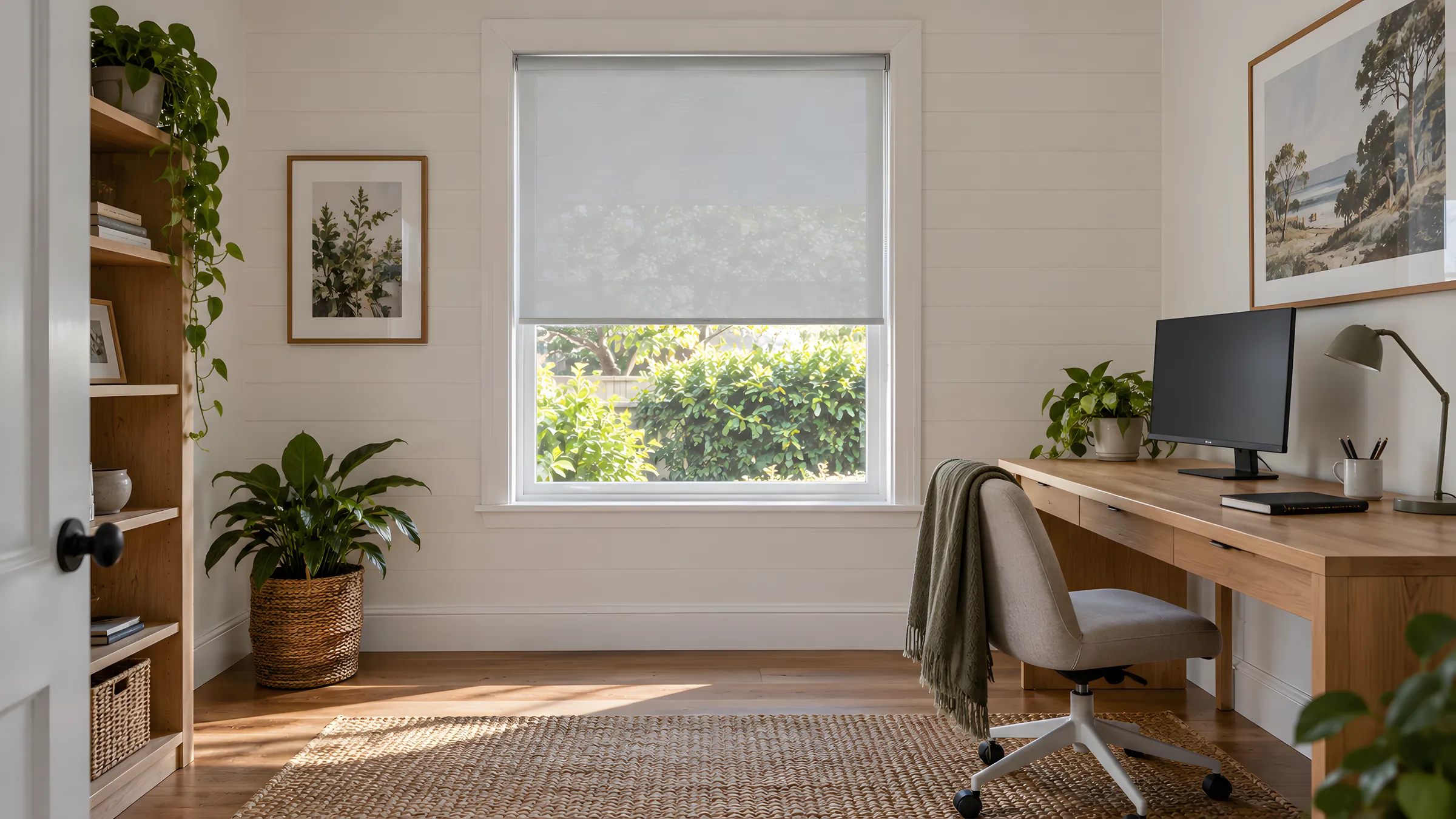
The best office blinds for a home office cut glare on your screen without shutting out daylight or the view. SunScreen and Light Filter roller blinds do that job for most desks, and Aluminium Venetians let you re-aim the light as the sun moves. Blockout is the right choice only when the room doubles as a bedroom or needs to be properly dim.
In short
- Choose SunScreen for most desks: it cuts glare and keeps the view, but it is not a night-privacy fabric.
- Choose Light Filter if your desk faces a busy street or you want a soft, even window behind you on video calls.
- Choose Aluminium Venetians if the sun moves across the desk and you want to tilt the light through the day.
- For a study by day and a bedroom at night, use a double roller with a daylight layer and a blockout layer.
- Put the control within reach of your chair and check the blind will not touch your monitor.
Work out where the glare comes from
Glare has a direction, and the blind that solves it depends on where your desk sits in relation to the window. Note the time the sun reaches your screen over a few days before you choose.
| Desk position | What goes wrong | What helps |
|---|---|---|
| Facing the window | A bright window in your eyes; the screen looks washed out | A SunScreen or Light Filter blind lowered part of the way to even out the light |
| Back to the window | Sunlight reflects on the monitor | Fabric that diffuses the light, lowered before the sun reaches the screen |
| Window to one side | A hard patch of sun across the desk or keyboard at certain times | Venetian slats tilted to redirect light, or a blind covering the whole window |
| Window behind you on a call | The camera exposes for the bright window and you become a silhouette | A Light Filter or SunScreen blind that turns the window into an even panel |
In Australia, north-facing windows get sun for much of the day. East and west windows get low sun in the morning and afternoon that shines straight across a desk, and that is often the hardest glare to shade. If you work through the afternoon, a west-facing window will decide your choice.
SunScreen, Light Filter or blockout for office blinds
Each roller blind fabric type does a different job. Our blockout, light filter or SunScreen guide goes into the detail, and this table covers what matters at a desk.
| Fabric | What it does | Good for | Watch out for |
|---|---|---|---|
| SunScreen | Woven Screen fabric that cuts glare and keeps the view | Most desks; outlooks worth keeping | Daytime privacy only, when it is brighter outside |
| Light Filter | Diffuses daylight and obscures the view | Desks facing a street; softening a window behind you | Silhouettes may show at night when the room is lit |
| Blockout | Stops light passing through the cloth; gives night privacy | Spare rooms that double as bedrooms; a dim room for presentations | Closes off daylight, so you may need lamps all day |
SunScreen comes in seven colours: Ice, White Linen, White Grey, Mist, Dolphin, Charcoal Grey and Charcoal. As a general rule, darker weaves keep the outlook clearer, while paler ones look brighter and reflect more light into the room. Order free samples and hold them up at the desk during your working hours, because the sun angle then matters more than how a fabric looks in general room light.
Tip: Many people search for "blackout"; it means the same as blockout. A little light can still show around the edges of a conventional blind, which a face fit or cassette reduces.
Aluminium venetians for a moving sun
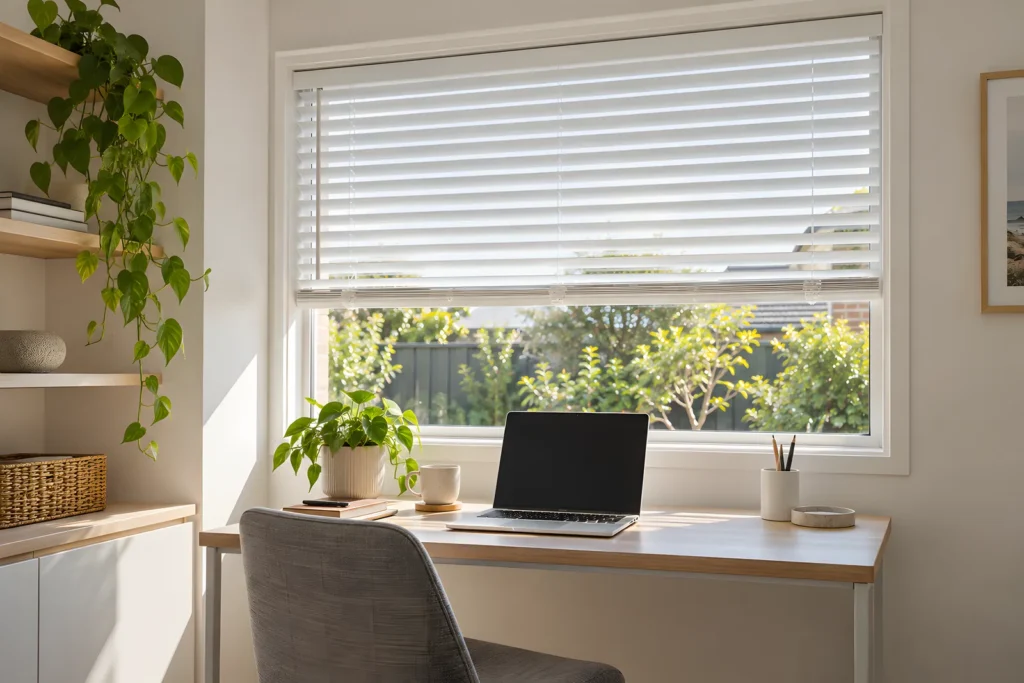
If the glare changes through the day, a tilting slat gives you finer control than a fabric that is either up or down. Tilt the slats to redirect the light while keeping the view, then close them for privacy or lift the whole blind to see out. Aluminium venetian blinds come in Cool White, Brilliant White, Warm Pure Silk, Ebony and Sterling.
The trade-off is that slats tilted the wrong way can throw sunlight into your eyes, so test the angle from your chair and adjust it as the sun moves. They also suit rooms that get more damp than a spare bedroom, such as a study off the kitchen. Measure with our 25 mm aluminium venetian blinds measuring guide and fit with the aluminium venetian blinds installation guide.
Office blinds and video calls
What the camera sees matters as much as what you see.
- Avoid a bright window behind you. The camera often exposes for the bright window, which turns you into a silhouette. Lower a Light Filter or SunScreen blind partway so the window becomes an even panel rather than a bright hole.
- Use light from the front or side. A window facing you or beside you lights your face evenly. Keep it open and diffused with a blind rather than closed.
- Use the blind as a backdrop. A lowered roller blind in a plain colour is a clean background. Shade is a matte blockout fabric, which suits a plain background.
- Plan for night calls. With the lights on, people outside can see in through SunScreen and Light Filter. If you work late in a ground-floor room, choose blockout or a double roller.
One room, two jobs: a double roller
If the office is also a spare bedroom, a double roller blind gives you a daylight layer for work and a blockout layer for sleeping. The pairings are blockout with Screen, or blockout with Light Filter, and the two layers are operated independently. Slimline dual brackets need 90 mm of recess depth with both blinds over-rolled, or 70 mm with both under-rolled. If you choose motorised control, a 2-channel remote suits a double roller.
Position, fit and controls at the desk
Small details decide whether a blind is pleasant to use every day.
- Roll direction. A standard (under) roll drops from the back of the tube, closer to the glass. A front roll sits farther from the glass, which can be a problem when a monitor or laptop sits right against the window. Use a standard roll unless you need to clear a handle.
- Recess or face fit. A recess fit keeps the window streamlined, but leaves small light gaps, roughly 20 mm at the chain side and 10 to 20 mm at the pin end. Face fit covers more of the opening and cuts those gaps, which matters when low sun glows around the edge of a screen.
- Control side. Choose a chain side that stays within reach of your chair and clear of cables and monitor stands. ZeroGravity cordless blinds have no chain and lift by the base rail, which is awkward to reach if the desk sits under the window.
- Motorised. A battery motor needs no mains wiring and suits a DIY fit. With a compatible smart hub you can set timers to lower the blind at the time the sun reaches your desk, or use voice control. See motorised roller blinds for the options.
- Chains and children. If children use the room, keep the chain out of reach and use the safety device supplied with SunBoss chain blinds, or consider cordless or motorised control.
Colour and finish at a desk
A very pale fabric with the sun behind it can glow like a light box, which is its own kind of glare. If your desk faces the window, a mid-tone fabric usually looks calmer on the screen than white. Check a sample against your wall colour and the desk surface, and view it at the time of day you work.
Hardware is worth matching to the frame, since you will see it all day. Brackets come in white, grey, ivory, latte and black, and the deluxe oval base rail comes in Anodised, White, Black or Cream. A flat base rail is also available if you prefer a slimmer edge.
How to choose, step by step
- Note the time of day and the direction the sun hits your screen for a few days.
- Decide if you need night privacy for late work.
- Choose a fabric: SunScreen to keep the view, Light Filter to soften it, blockout only where you need it dim, or venetians to tilt.
- Choose a control you can reach from your chair.
- Measure following the roller blind measuring guide.
- Order samples and check them at your desk during the hours you work.
You can see the full range on our home office blinds page. For more on chains, cordless and motors, read our guide to roller blind controls.
Questions
What are the best office blinds for a home office?
SunScreen roller blinds suit most desks because they cut glare and keep the view. Choose Light Filter if your desk faces a busy street, or Aluminium Venetians if you want to re-aim the light as the sun moves.
Are blockout blinds good for a home office?
Only in some rooms. Blockout suits a spare room that doubles as a bedroom, or a desk where you need a dim room. For most desks it closes off daylight and the view, so you end up relying on lamps.
Which blinds reduce screen glare best?
SunScreen and Light Filter both reduce glare, and Aluminium Venetians let you angle the light. Which is best depends on where the sun hits your desk and at what time of day.
Can people see in when I work at night?
With the lights on, yes, through SunScreen and Light Filter. SunScreen is not a night-privacy fabric and silhouettes may show through Light Filter. Blockout, or a double roller with a blockout layer, gives night privacy.
What blind is best for video calls?
One that softens the window rather than blocking it. A lowered Light Filter or SunScreen blind turns a bright window into an even panel, which stops the camera turning you into a silhouette.
Build your home office blind
Choose SunScreen, Light Filter or Aluminium Venetian and see the price as you enter your measurements.
Keep reading
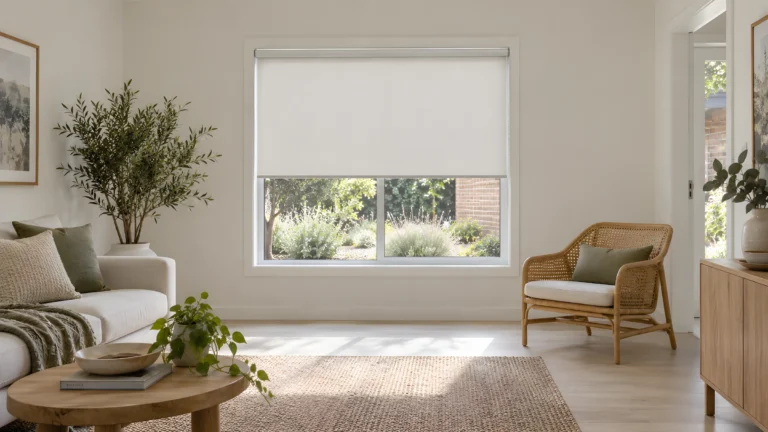 ComparisonsBlockout, light filter or SunScreen? Choosing roller blind fabricWhat each roller blind fabric does with light, view and privacy by day and night, and which one suits each room in your home.
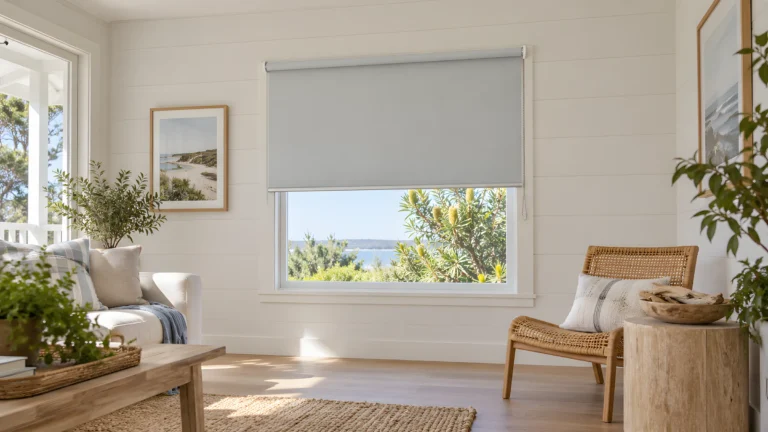 BlindsChain, cordless or motorised: choosing roller blind controlsChain, cordless or motorised? How each roller blind control works, what limits apply and which suits a bedroom, nursery, home theatre or wide window.
 BlindsDouble roller blinds: day and night in one windowA double roller puts a daylight layer and a blockout layer on one set of brackets. Here is how the pairings, depth, controls and fascias work.